
Best Free Tools for Digital Marketing Beginners: Simple 2026 Starter Stack
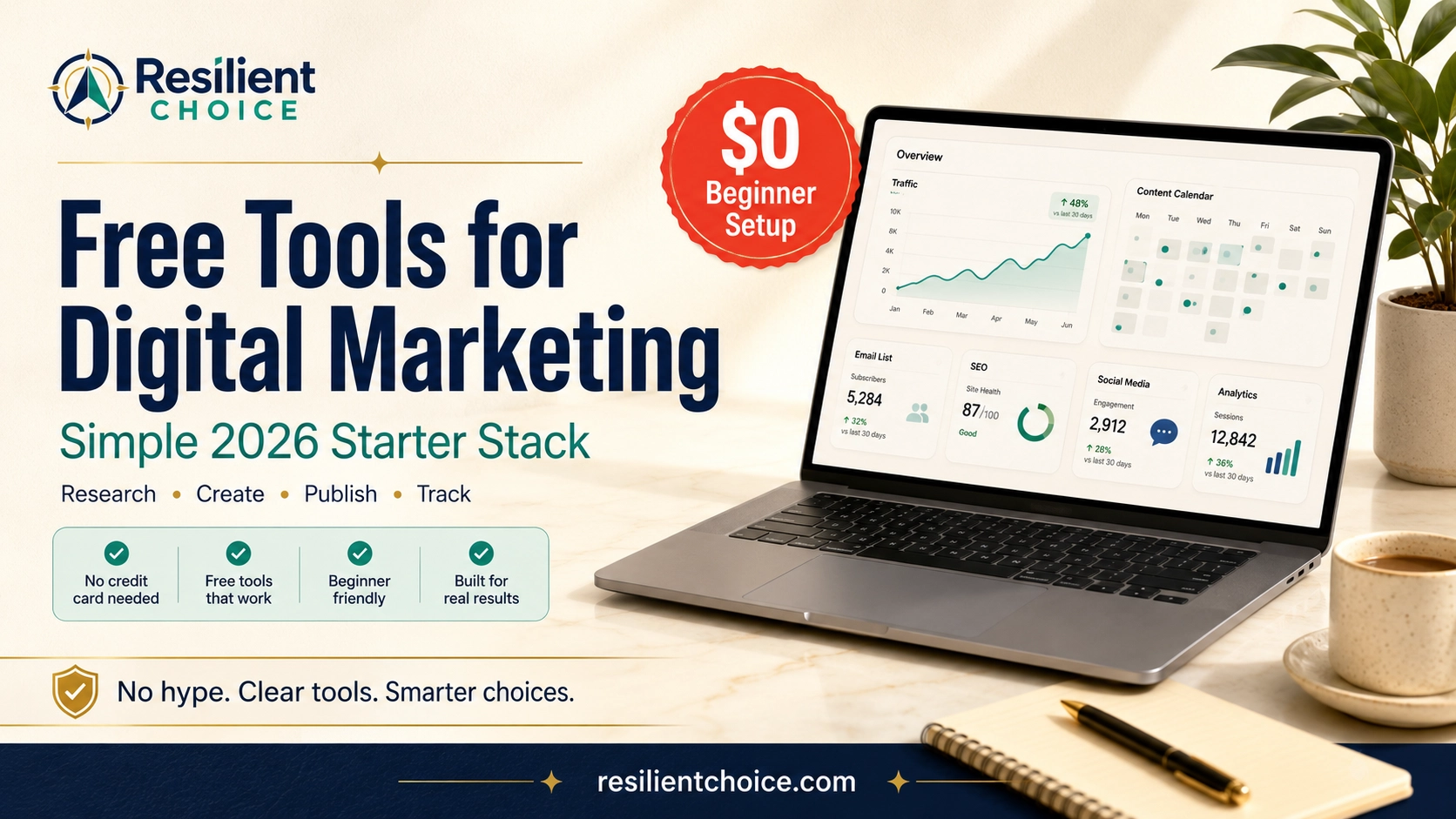
Starting digital marketing should not require 50 software subscriptions. This guide gives you a simple free starter stack for research, content, design, email, social media, SEO, analytics, and beginner-friendly online business growth.
Then Scale
If you search for free tools for digital marketing beginners, you will usually find two types of advice.
The first type gives you a giant list of 50, 80, or even 100 tools. It looks useful at first, but it usually creates more confusion than clarity.
The second type recommends tools that are technically “free,” but the useful features are locked behind trials, branding, tiny limits, or paid upgrades.
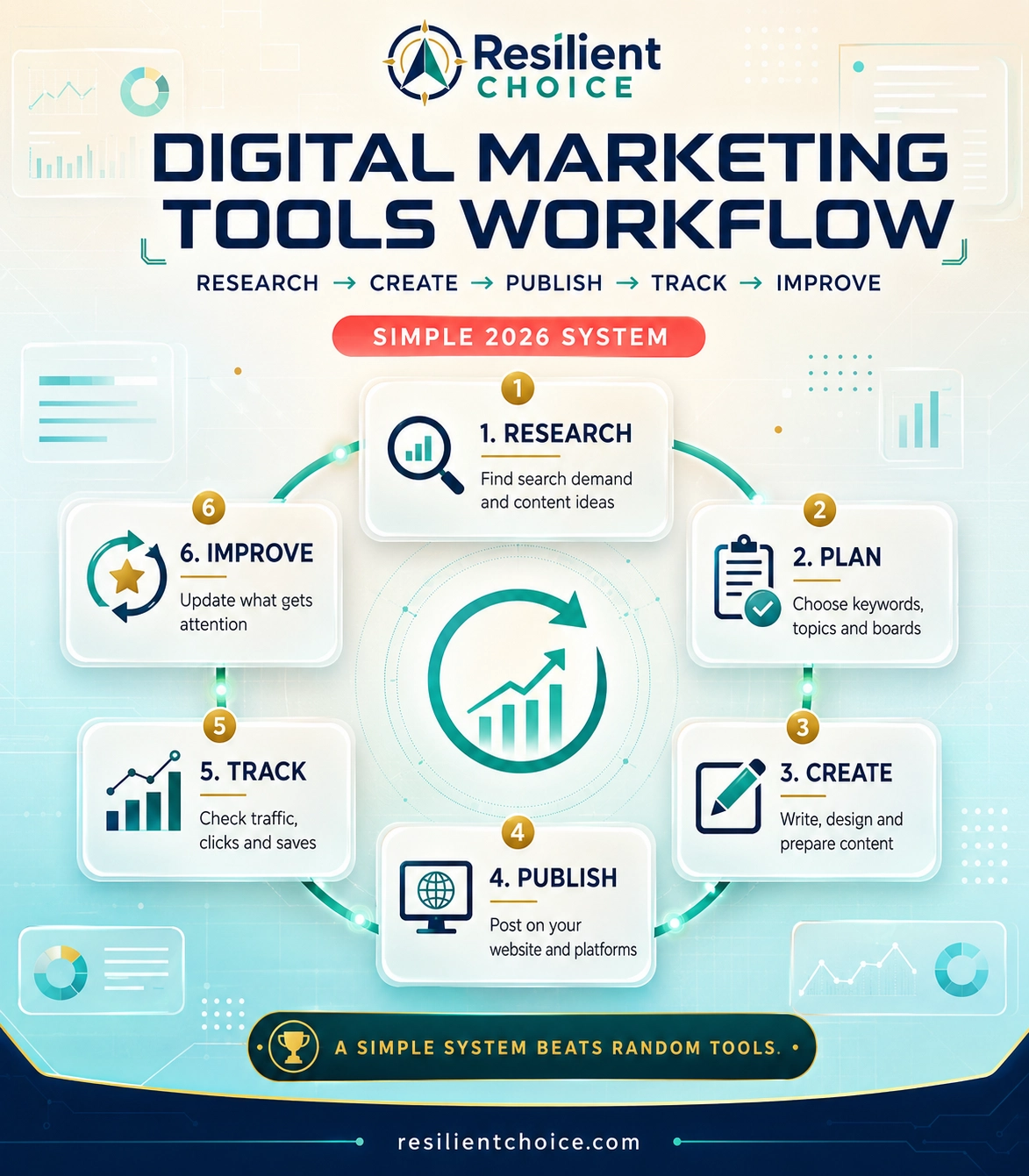
A beginner does not need that. You need a simple digital marketing starter stack that helps you do the real work: find ideas, create useful content, publish consistently, collect leads, track what is working, and improve over time.
Important note before you start
Free plans can change anytime. This guide is written to help beginners choose useful free tools, but always check the current pricing and limits on the official tool website before building your full workflow around any platform.
Quick answer: the best free digital marketing starter stack
For most beginners, this is the cleanest free tool stack to start with:
| Marketing need | Free tool to start with | Why it helps beginners |
|---|---|---|
| Find topic ideas | Google Trends, Pinterest Trends | Helps you see what people are already searching for before creating content. |
| Research faster | Perplexity | Useful for collecting source ideas, questions, and topic angles. |
| Plan content | Notion or Google Sheets | Keeps your content ideas, pin titles, keywords, and publishing schedule organized. |
| Create graphics | Canva | Beginner-friendly for Pinterest pins, blog graphics, social posts, and simple brand visuals. |
| Edit short videos | CapCut | Good for Reels, Shorts, TikTok clips, and Pinterest video pins. |
| Collect leads | Tally | Lets you create simple forms, quizzes, and intake forms without complex setup. |
| Build email list | MailerLite or Sender | Helps you start building an audience you own. |
| Schedule content | Metricool | Useful for planning posts from one dashboard, but check current free-plan posting limits. |
| Track SEO | Google Search Console | Shows search impressions, clicks, indexing issues, and keyword performance from Google. |
| Track visitors | Google Analytics | Shows where traffic comes from and which pages people visit. |
| Improve page layout | Microsoft Clarity | Shows heatmaps and session recordings so you can understand how people use your pages. |
Simple rule
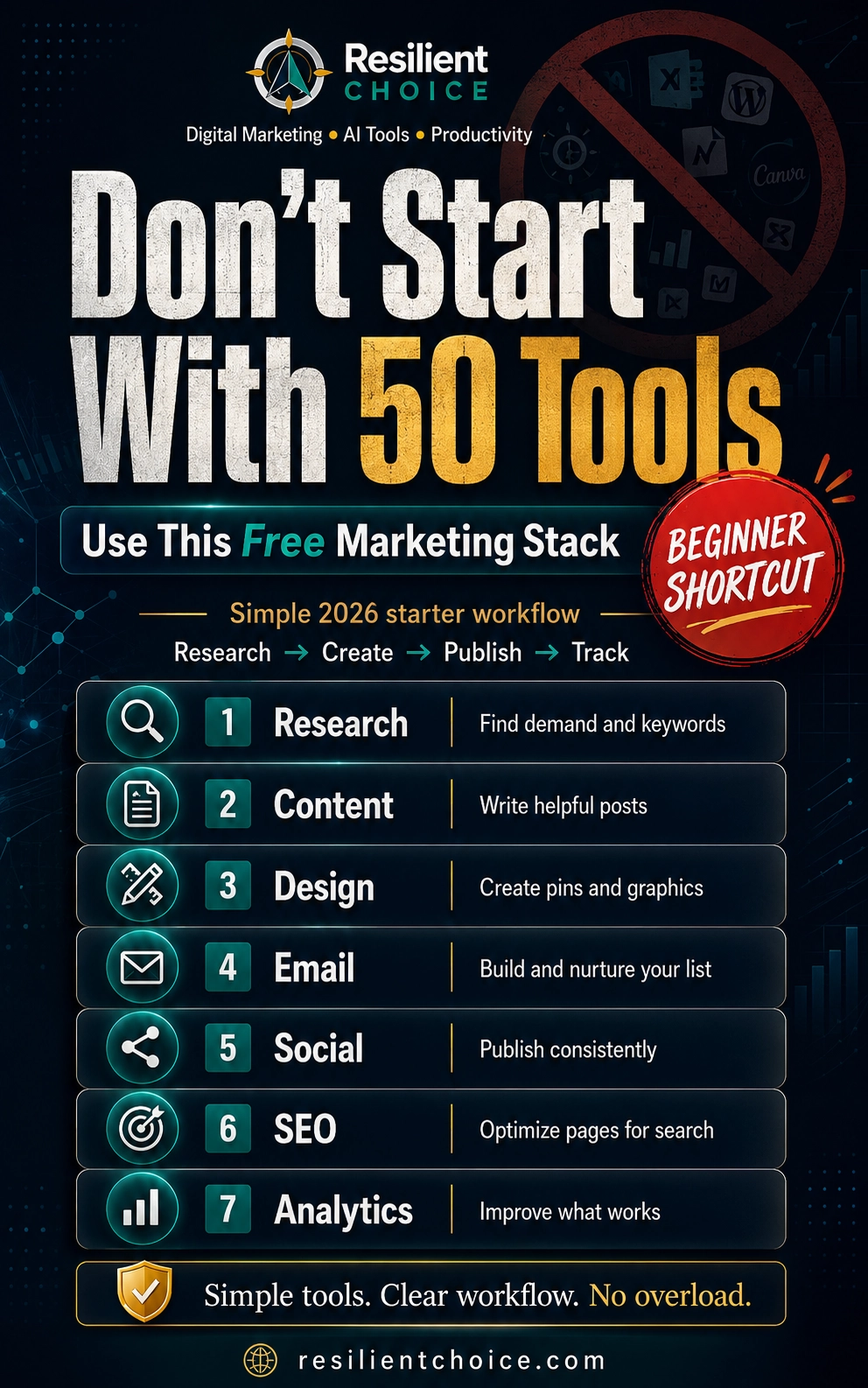
Do not start with every tool in this list. Start with one tool for research, one for content, one for design, one for publishing, and one for tracking.
Need one simple place for funnels, email, and landing pages?
This article gives you the free marketing stack. When you are ready to turn that stack into a basic landing page, email list, and offer test, read our Systeme.io review for beginners.
Read the Systeme.io Beginner Review
Internal guide — useful before paying for separate funnel, email, course, or landing page tools.
The 100-tool overwhelm trap
Many beginners think digital marketing means collecting more tools. That is usually the wrong starting point.
More tools can create more dashboards, more passwords, more tutorials, more integrations, and more monthly costs. A tool stack should make your work easier, not turn your business into a software management project.
The better approach is a minimum viable digital marketing stack.
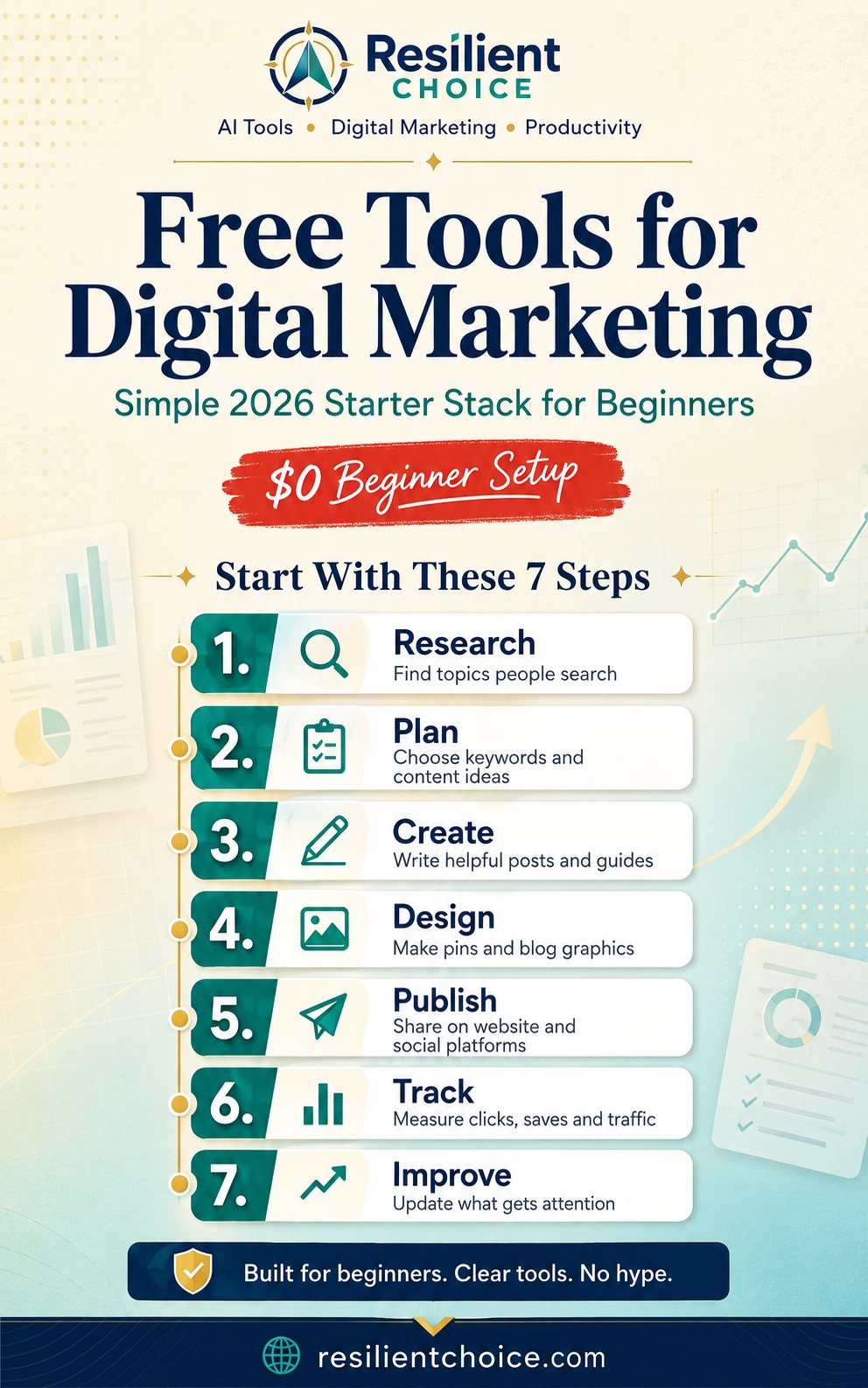
That means you only use the tools needed to complete the full marketing cycle:
- Research what people want.
- Create useful content around that demand.
- Publish the content on your website and social platforms.
- Collect leads or subscribers when possible.
- Track what works.
- Improve your content based on real data.
That is enough for a beginner. You do not need advanced funnels, complicated automation, or expensive SEO software before you have consistent content and traffic.
What is a digital marketing starter stack?
A digital marketing starter stack is a small group of tools that work together.
Instead of asking, “Which tool is the best?” ask:
Better beginner question
“Which few tools help me research, create, publish, track, and improve without wasting money?”
That question protects you from tool overload. It also helps you avoid software that looks impressive but does not solve your current problem.
The best free tools for digital marketing beginners
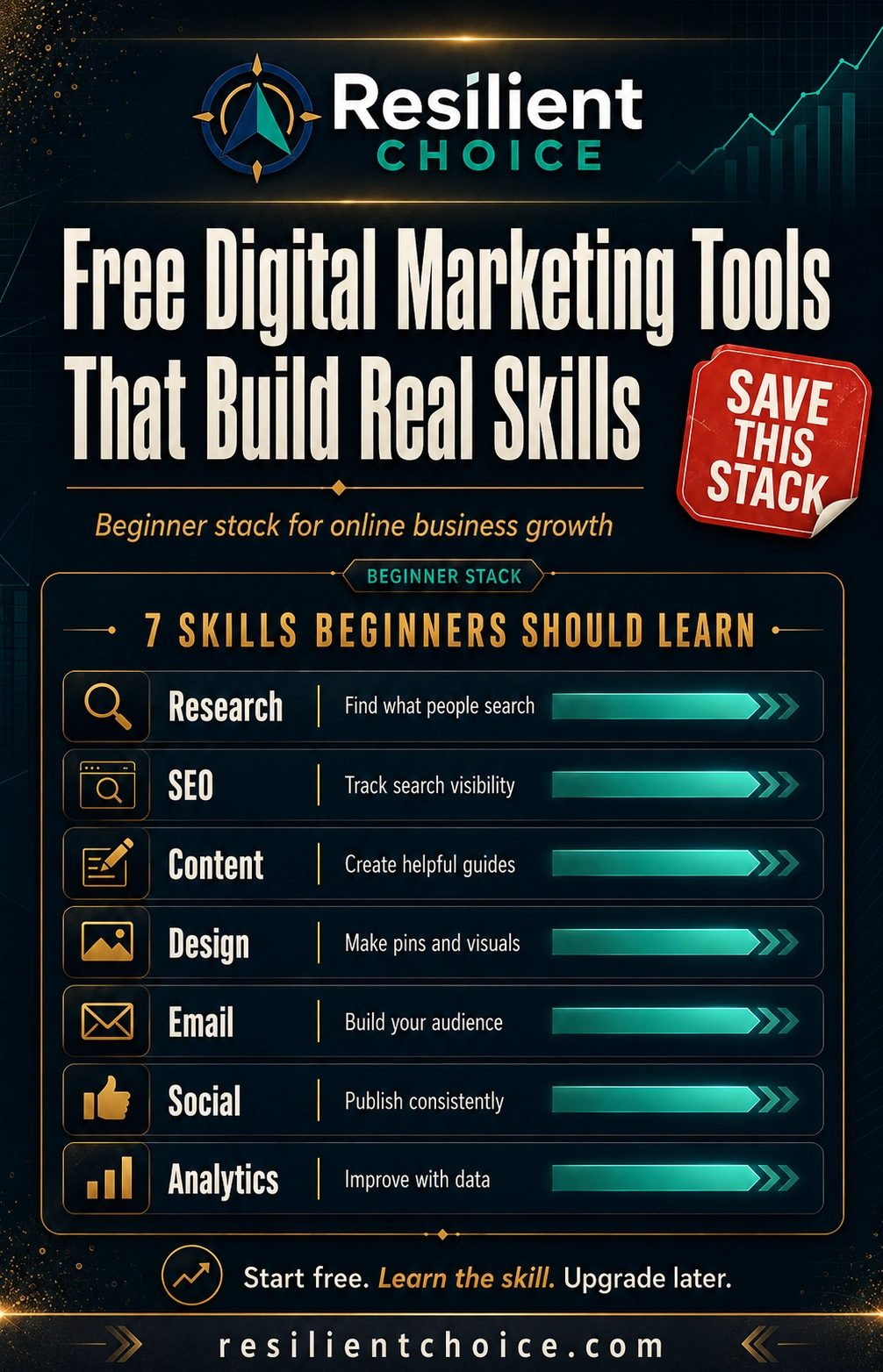
Below is the practical starter stack I would recommend for most beginners. Some tools are fully free. Some have free plans with limits. That is normal. The goal is not to avoid every limit. The goal is to avoid paying before you actually need to.
Free tools for research and content ideas
Digital marketing starts before you write, design, or post anything. It starts with demand.
If nobody is searching for the topic, your content has to work much harder. That is why trend and keyword research should come first.
Google Trends
Google Trends helps you compare interest in topics over time. It is useful when you are deciding between article ideas, seasonal content, YouTube topics, or broad niche directions.
For example, before writing a post about digital marketing tools, you can compare phrases like:
- free digital marketing tools
- digital marketing tools for beginners
- free marketing tools
- online business tools
- AI tools for marketing
You are not trying to find the perfect keyword in one search. You are trying to understand direction.
Pinterest Trends
Pinterest Trends is especially useful if you want Pinterest traffic. Pinterest users often search before they act. They save pins, compare ideas, and build boards around future plans.
For Resilient Choice, Pinterest Trends should guide:
- article topics
- pin titles
- board names
- image text
- seasonal publishing timing
For this article, strong Pinterest-style phrases include “free tools for digital marketing,” “digital marketing tools for beginners,” “free marketing tools,” and “online business tools.”
Perplexity
Perplexity can help you research faster by finding explanations, source ideas, and related questions. It is useful when you want to understand a topic before writing.
Do not use it to copy an article. Use it to collect angles, questions, and sources. Then write the final article in your own simple, honest style.
Free tools for content planning and writing
Content marketing becomes messy when your ideas are scattered across notebooks, browser tabs, phone notes, and random screenshots.
A beginner needs one simple planning system.
Notion or Google Sheets
Use Notion if you like a clean workspace with pages, databases, and content calendars. Use Google Sheets if you want something simple, fast, and familiar.
Track these columns:
- article topic
- primary keyword
- Pinterest keyword
- pin title
- board name
- published URL
- date published
- impressions
- clicks
- notes for improvement
Claude, Gemini, or ChatGPT
AI writing tools can help with brainstorming, outlines, headlines, summaries, and rewriting unclear sections.
But do not let AI remove your judgment.
AI content caution
AI can help you move faster, but raw AI content often feels generic. Add your own examples, warnings, tool experience, screenshots, decisions, and practical notes before publishing.
A good beginner use is:
- Ask AI for an outline.
- Research the topic separately.
- Write or rewrite sections in your own voice.
- Add honest limitations and real examples.
- Fact-check current tool details before publishing.
Free tools for design and short-form video
Digital marketing is visual. This is especially true for Pinterest, Instagram, YouTube thumbnails, and blog featured images.
Canva
Canva is one of the easiest design tools for beginners. Use it to create:
- Pinterest pins
- blog featured images
- social media posts
- simple PDFs
- checklists
- lead magnets
My suggestion: create 3 to 5 branded Resilient Choice templates and reuse them. Do not design from scratch every time.
CapCut
CapCut is useful for short videos. You can turn one article into:
- a 20-second tip video
- a screen-recording tutorial
- a Pinterest video pin
- a YouTube Short
- an Instagram Reel
Keep the first videos simple. A clean hook, 3 tips, and one call to action are enough.
Free tools for email, forms, and lead capture
If you only build traffic, you are always dependent on platforms. If you build an email list, you start building an audience you own.
Tally
Tally is useful for simple forms, surveys, quizzes, and lead capture. You can create a form like:
Example lead form idea
“Which free digital marketing tool should you start with?” Ask five simple questions, collect the email, then recommend a starter stack.
MailerLite or Sender
Email marketing tools help you send newsletters, deliver checklists, and build a long-term relationship with readers.
For a beginner blog or content website, your first email goal does not need to be complex. Start with one simple lead magnet:
- Free Digital Marketing Starter Stack Checklist
- Free AI Tools for Content Creation Checklist
- Productivity Setup for Work From Home Beginners
Then send one useful email every week. Keep it simple.
Want fewer separate tools for landing pages and email capture?
If you prefer one beginner-friendly dashboard for a landing page, funnel, email list, and basic digital product test, read our Systeme.io review for beginners before choosing separate tools.
Free tools for social media scheduling
Scheduling tools help you stay consistent. But beginners should not try to post everywhere at once.
Metricool
Metricool can help you plan and schedule content from one dashboard. It is useful if you are managing Pinterest, Facebook, Instagram, or other social platforms.
Check the current free-plan limit before planning a heavy schedule. Treat free scheduling tools as support systems, not as a replacement for a clear content strategy.
Beginner posting rule
Pick one main traffic platform first. For Resilient Choice, Pinterest should be the priority because the content is visual, searchable, and evergreen.
Free tools for SEO, analytics, and user behavior
Once you publish content, you need to know what is working.
Google Search Console
Google Search Console is essential for website owners. It helps you see impressions, clicks, ranking position, indexing problems, and the search queries people use to find your site.
For a beginner, this is more useful than guessing.
Google Analytics
Google Analytics helps you understand website traffic. For example, you can check whether visitors are coming from Google, Pinterest, direct traffic, social platforms, or referral links.
Do not get lost in every report. Start with:
- traffic source
- top pages
- engagement
- outbound clicks
Microsoft Clarity
Microsoft Clarity helps you see how people behave on your website. Heatmaps and session recordings can show whether users scroll, click, pause, or leave.
This is useful for improving article layout, call-to-action placement, affiliate disclosure visibility, and content readability.
Choose your starter stack by business type
Not every beginner needs the same setup. Choose the stack based on what you are building.
Blogger
Start with: Google Trends, Perplexity, Notion, Canva, Google Search Console.
Avoid: paying for advanced SEO tools before you have content indexed.
Affiliate marketer
Start with: Google Sheets, Canva, Tally, MailerLite, Google Analytics.
Avoid: sending users directly to random affiliate links without building trust.
Freelancer
Start with: Carrd or a simple website, Tally, Notion, Canva, Google Sheets.
Avoid: complex CRMs before you have steady leads.
Small business owner
Start with: Google Business Profile, Canva, Tally, MailerLite, Google Analytics.
Avoid: paying for ads before your page and follow-up system are ready.
Content creator
Start with: Canva, CapCut, Metricool, Notion, Pinterest Trends.
Avoid: making content without a clear keyword or audience angle.
Solopreneur
Start with: Notion, Tally, MailerLite, Canva, Google Search Console, Clarity.
Avoid: automation before your manual process is proven.
For funnels, email, courses, and digital products, compare Systeme.io next.
Some beginners prefer separate tools. Others want a single low-risk place to test the basics. Our Systeme.io review for beginners explains whether the free plan is enough before you upgrade or overbuild.
No hype. The review explains both the useful parts and the limits.
Free vs paid tools: when should beginners upgrade?
Free tools are useful for starting. Paid tools become useful when they remove a real bottleneck.
Do not upgrade because a tool looks professional. Upgrade when the paid feature clearly saves time, improves output, or supports real growth.
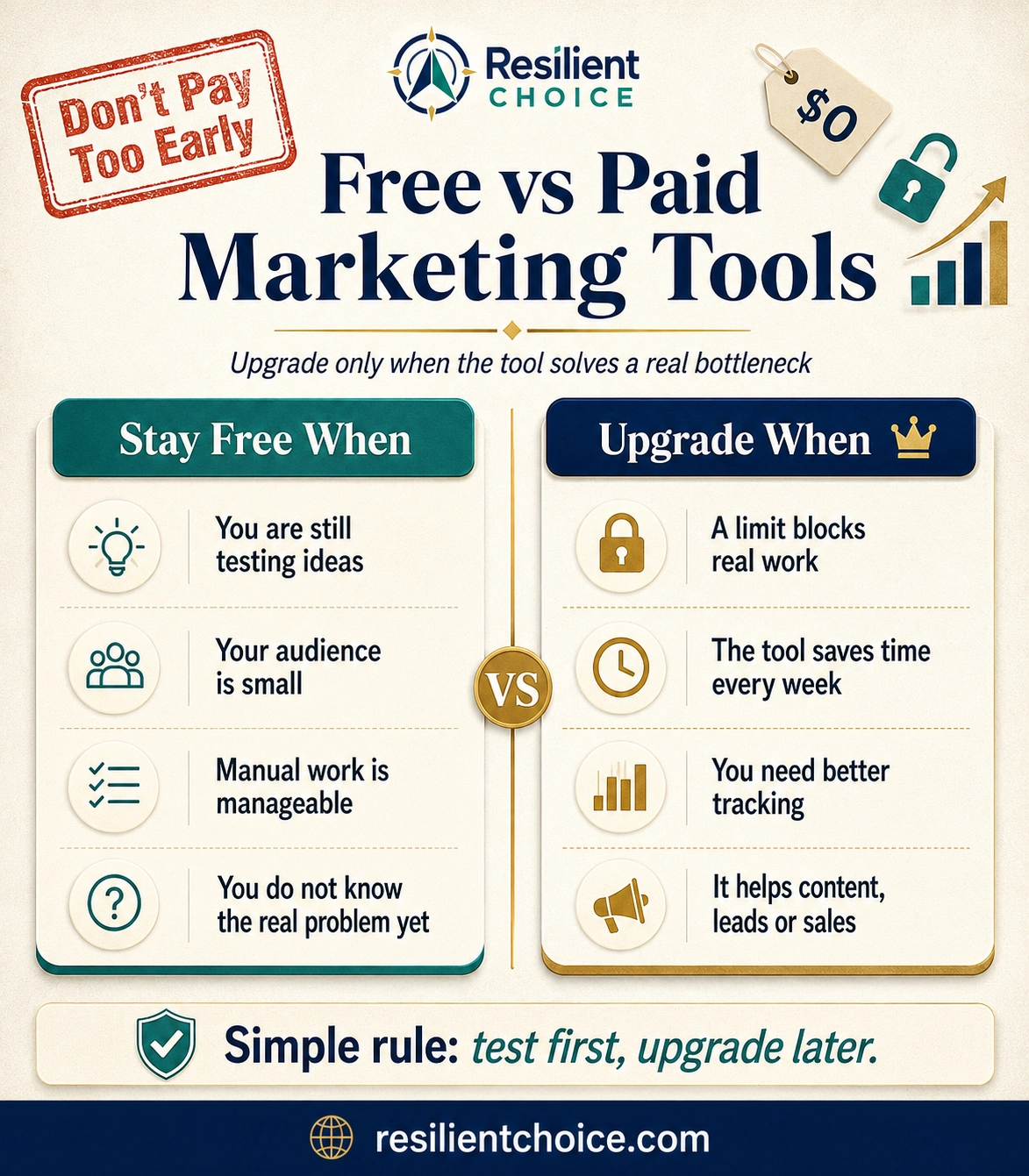
| Tool type | Stay free when… | Consider upgrading when… |
|---|---|---|
| Design tool | You can create pins and graphics manually. | You need faster resizing, background removal, more brand control, or premium assets. |
| Email tool | Your list is small and your newsletter is simple. | You need more subscribers, advanced automation, better branding, or more sending capacity. |
| Scheduling tool | You publish lightly and focus on one or two platforms. | You need more scheduled posts, LinkedIn support, client reporting, or team workflows. |
| Analytics tool | You only need basic traffic and behavior insights. | You need advanced dashboards, attribution, client reports, or deeper segmentation. |
| Automation tool | You are still testing your process manually. | You repeat the same task every week and automation would save real time. |
My honest upgrade rule
Do not pay for a tool until you can clearly say what problem it solves, how often you will use it, and how it helps your content, traffic, leads, or revenue.
Beginner mistakes to avoid
1. Starting with too many tools
If you are using 20 tools but not publishing consistently, the tools are not helping. Start smaller.
2. Confusing tool learning with business building
Watching tutorials all day feels productive, but it does not create traffic. Use tools to publish, not to avoid publishing.
3. Ignoring Pinterest search intent
Pinterest users search in practical phrases. Use image text like “Free Tools for Digital Marketing” instead of personal text like “My favorite free tools.”
4. Publishing without tracking
If you do not check Google Search Console, Pinterest Analytics, Google Analytics, or Clarity, you are guessing.
5. Trusting every “free” claim
Always check whether the free plan has branding, export limits, send limits, contact limits, post limits, trial deadlines, or watermark restrictions.
Privacy, AI, and affiliate disclosure notes
Free tools often have limits and data policies. That does not mean they are bad, but beginners should understand what they are using.
- Do not paste private client data into free AI tools.
- Check whether analytics tools require cookie or privacy notice updates.
- Read current free-plan limits before depending on a tool.
- If you use affiliate links, disclose them clearly before the first affiliate link.
- Never promise income just because someone uses a tool.
Affiliate disclosure example
Some links in this guide may be affiliate links. If you choose to upgrade through them, we may earn a commission at no extra cost to you. Our recommendations stay focused on usefulness, free-plan value, and beginner fit.
Simple beginner workflow using free tools
Here is how I would use this stack in real life. This is not the only workflow, but it is simple enough for a beginner to repeat every week.
Use Pinterest Trends, Pinterest autocomplete, Google Trends, or Google Search Console queries.
Use Perplexity or Google to understand common questions, beginner problems, and source ideas.
Use Notion or Google Sheets to store the keyword, title, image idea, and publishing date.
Use Canva to make one strong Pinterest pin or blog graphic with search-focused text.
Publish the article on your website, then pin the image to the most relevant board first.
Check Pinterest Analytics, Google Search Console, Google Analytics, and Clarity before making changes.
Create more pin variations, update sections, improve titles, and add internal links based on real data.
Internal guides to read next
To build a stronger beginner system, these related guides can help:
- Best AI Tools for Online Business Beginners
- Productivity Tips for Work From Home Beginners
- Best Free AI Tools for Content Creation Beginners
- Systeme.io Review for Beginners — use this when you are ready to test a simple funnel, landing page, and email setup.
What I would start with
If I were starting digital marketing from zero today, I would not open 25 accounts.
I would start with Google Trends for topic validation, Notion or Google Sheets for planning, Canva for visuals, MailerLite or Sender for email, and Google Search Console for tracking.
That is enough to publish useful content, collect early signals, and avoid unnecessary software costs.
The goal is not to look like a big agency on day one.
The goal is to build a simple system you can actually use every week.
Frequently asked questions
What are the best free tools for digital marketing beginners?
A strong beginner stack includes Google Trends, Pinterest Trends, Perplexity, Notion or Google Sheets, Canva, CapCut, Tally, MailerLite or Sender, Metricool, Google Search Console, Google Analytics, and Microsoft Clarity.
Can I start digital marketing without paid tools?
Yes. Beginners can start with free tools for research, content planning, design, email marketing, social media scheduling, and analytics. Paid tools become useful later when you know exactly what bottleneck you need to solve.
Which digital marketing tool should I learn first?
Start with a planning tool and a design tool. For most beginners, Google Sheets or Notion plus Canva is a practical first setup. Then add Search Console and Analytics when your website content is live.
Are free AI tools enough for content marketing?
Free AI tools can help with brainstorming, outlines, and editing, but they should not replace research, personal judgment, and fact-checking. The final content should be reviewed and improved by a human before publishing.
Do I need paid SEO tools like Semrush or Ahrefs as a beginner?
Not immediately. Start with Google Trends and Google Search Console. Once your site has content and you understand your niche better, paid SEO tools can help with deeper keyword research and competitor analysis.
What free tools are best for Pinterest marketing?
Pinterest Trends, Canva, Google Sheets, Metricool, and Pinterest Analytics are useful for Pinterest marketing. Use Pinterest Trends for search phrases, Canva for pin design, and analytics tools to track saves, impressions, and outbound clicks.
When should I upgrade from free marketing tools?
Upgrade only when a free-plan limit blocks real work. Examples include needing more email subscribers, more scheduled posts, better branding, custom domains, advanced automation, or faster design workflows.
How many digital marketing tools does a beginner actually need?
Most beginners need 5 to 7 tools: one for research, one for planning, one for writing or editing, one for design, one for publishing, one for email or lead capture, and one for tracking performance.
Start simple. Build smarter.
The best free tools for digital marketing beginners are not the tools with the most features. They are the tools that help you take action without confusion.
Use a small stack for 30 days. Publish useful content. Track what happens. Then upgrade only when a real bottleneck appears.